

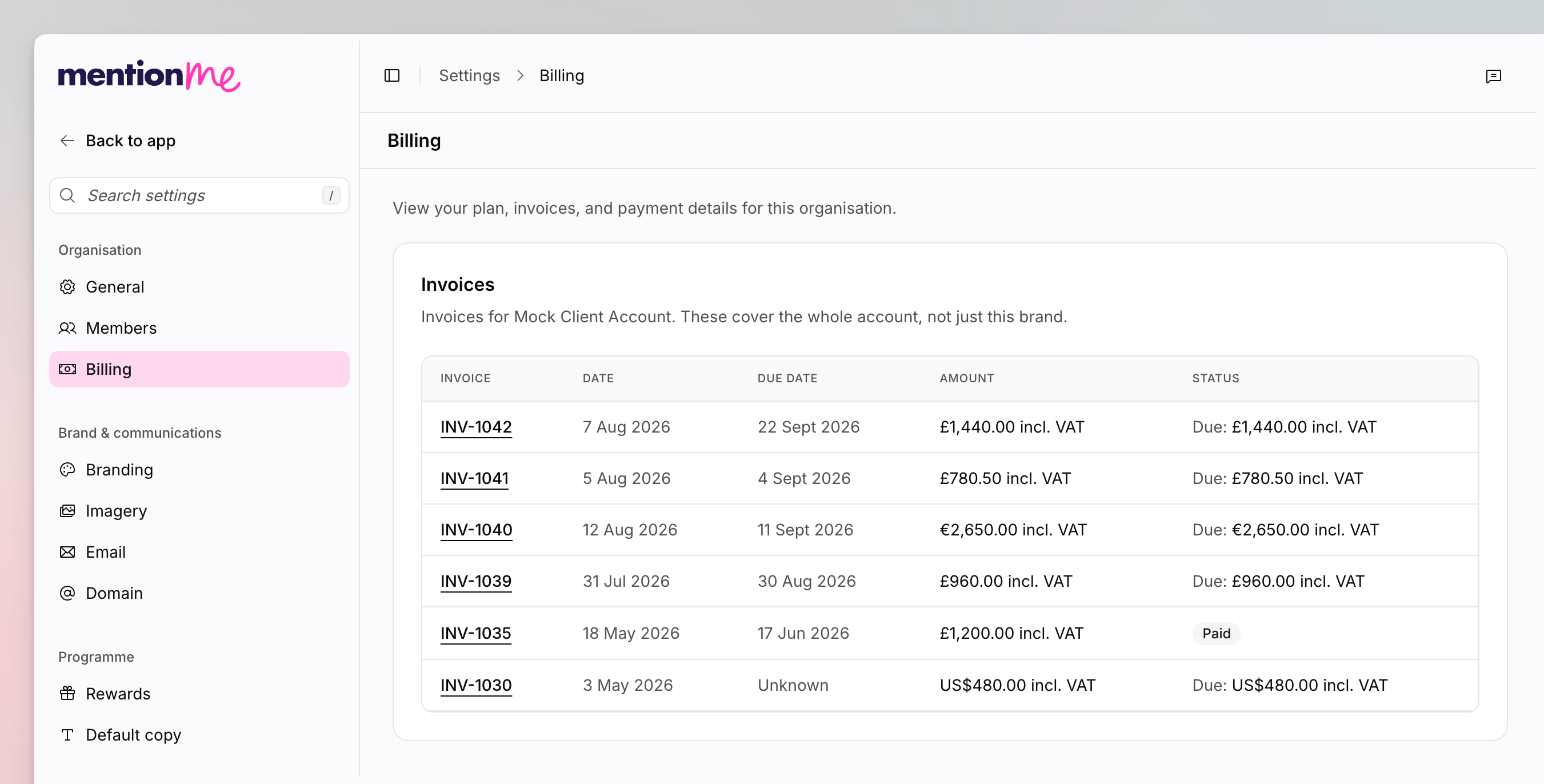
The Billing page, with plan information and the invoices table.
View Invoices
1
Open Billing
Go to Settings > Billing.
2
Read the Table
The Invoices table lists invoice number, date, due date, amount
(including VAT), and status. Invoices are hidden on the demo environment
until you go live.
Manage a Card or Plan
Early access. Self-serve card and plan management (the Stripe Manage
Billing flow) is rolling out gradually. If you do not see those cards, email
accounts instead.
- Billing shows the card brand and last four digits, or No payment method. Click Manage Billing to open the Stripe portal.
- Your subscription lists product plans so you can change them.
See Also
How to Manage Organisation Members
Control who can open admin-only pages such as Billing.
Settings
Back to every settings page.