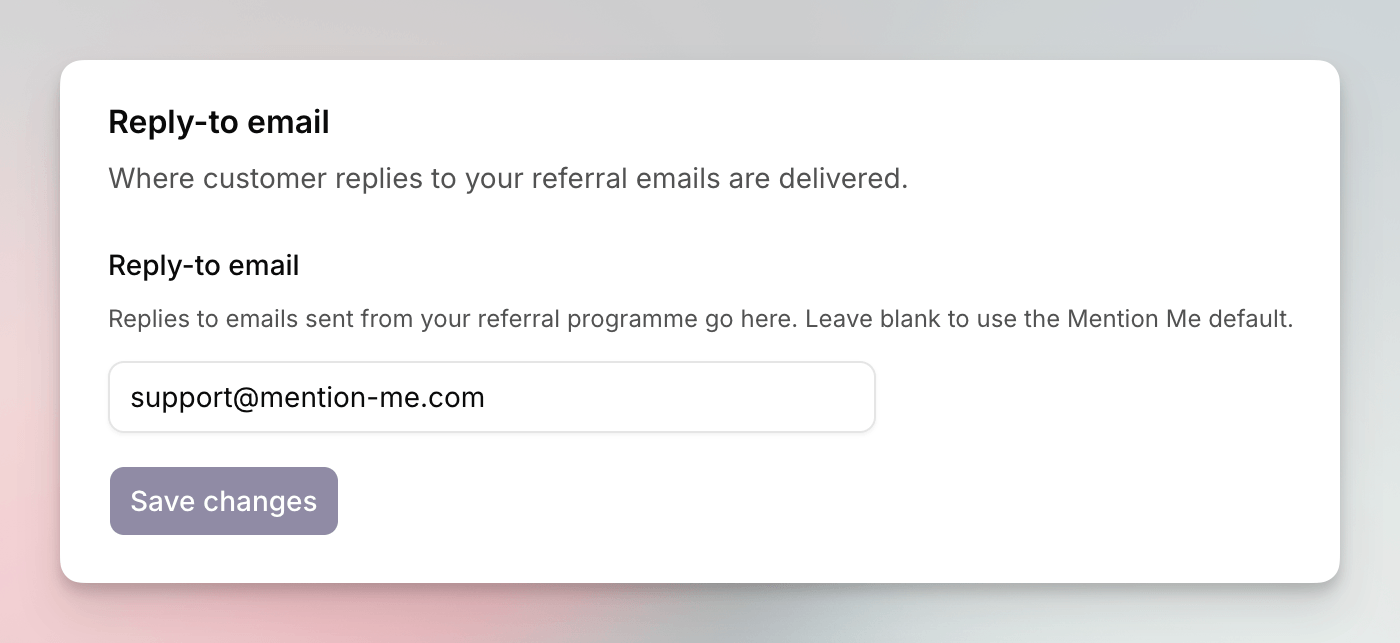
Open Settings > Email to set the reply-to address for emails sent by your programme.
Email settings showing the reply-to email
card

The Email page, with the reply-to email field.

Replies to emails sent from your referral programme go here. Leave the field blank to use the Mention Me default.
1

Open Email

Go to Settings > Email.
2

Enter the Address

In Reply-to email, type the address (for example replies@example.com).
3

Save

Click Save changes.
A campaign can still set its own reply-to. See campaign settings.

See Also

How to Set Your Referral Domain

Choose the subdomain on referral links.

Promoting by Email

Classic documentation for referral email.
Last modified on September 25, 2026