> ## Documentation Index
> Fetch the complete documentation index at: https://docs.mention-me.com/llms.txt
> Use this file to discover all available pages before exploring further.
# Setting Up Your Influencer Registration Form
> Configure the registration form that influencers use to apply for your programme, including styling, images, content, and data capture fields.
The registration form allows potential influencers to register for your programme, enabling you to vet and analyse them for brand fit.
## Accessing the registration form setup
Log in to the [Mention Me platform](https://mention-me.com/merchant/~/influencers/programmes), select **Manage your Programme**, and navigate to the **Registration** section. You will see four configurable areas.
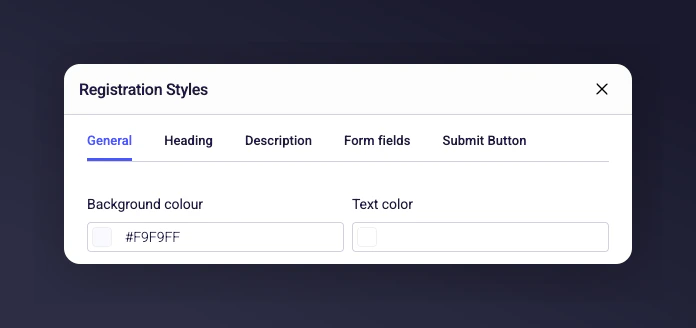
 This section lets you customise the look and feel of your registration form, including colours, fonts, and button styles. Select a new colour and it changes automatically. You can also choose a different font for your headings.
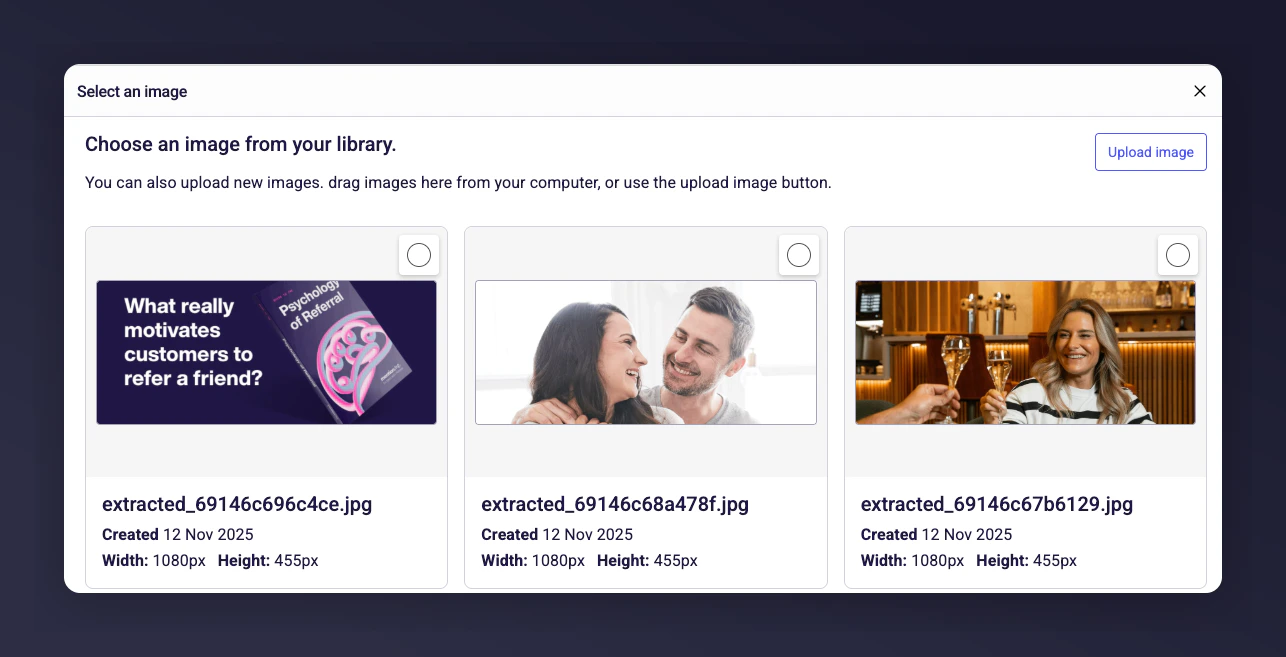
 To include a banner image on the right-hand side of your form, upload a new image through the **Content Library**. It will automatically apply to your form.
We recommend an image 1800px wide x 900px high.
To include a banner image on the right-hand side of your form, upload a new image through the **Content Library**. It will automatically apply to your form.
We recommend an image 1800px wide x 900px high.
 Update the titles and body copy to reflect your brand's tone of voice and perspective.
 Choose which fields to include on the registration form for data capture.
The **Email**, **First Name**, and **Last Name** fields are fixed. The form also includes fields for social channels (Instagram, TikTok, and YouTube). You can:
* Make any field **Required** or leave it as **Optional**.
* Reorder the fields by moving them up and down.
* Add new field types, such as a **long text field** (e.g., to ask why an influencer wants to join) or a **specific information field** (e.g., shoe size).
Click **Save** to add the new field to the form.
Choose which fields to include on the registration form for data capture.
The **Email**, **First Name**, and **Last Name** fields are fixed. The form also includes fields for social channels (Instagram, TikTok, and YouTube). You can:
* Make any field **Required** or leave it as **Optional**.
* Reorder the fields by moving them up and down.
* Add new field types, such as a **long text field** (e.g., to ask why an influencer wants to join) or a **specific information field** (e.g., shoe size).
Click **Save** to add the new field to the form.
