> ## Documentation Index
> Fetch the complete documentation index at: https://docs.mention-me.com/llms.txt
> Use this file to discover all available pages before exploring further.
# Configuring Your Influencer Login Page
> Customise the login page where influencers access their dashboard via magic link, including styles, images, and content.
The login page is where your influencers enter their registered email address to receive a magic link and access their dashboard. This page is fully customisable, just like the registration page.
 ## Edit the styles
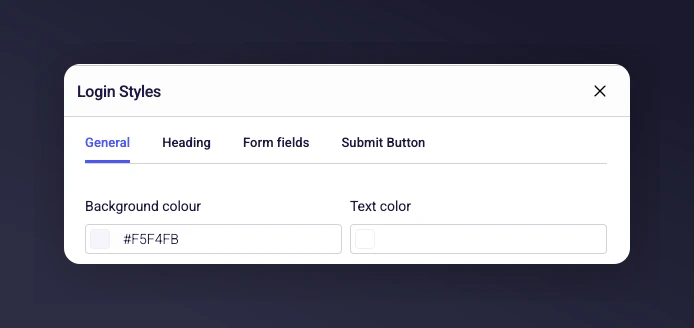
You can adjust all colours, buttons, and text colours to suit your brand guidelines. Select the relevant option and choose a new colour from the picker. You can switch back to the original styling at any time.
## Edit the styles
You can adjust all colours, buttons, and text colours to suit your brand guidelines. Select the relevant option and choose a new colour from the picker. You can switch back to the original styling at any time.
 ## Upload an image
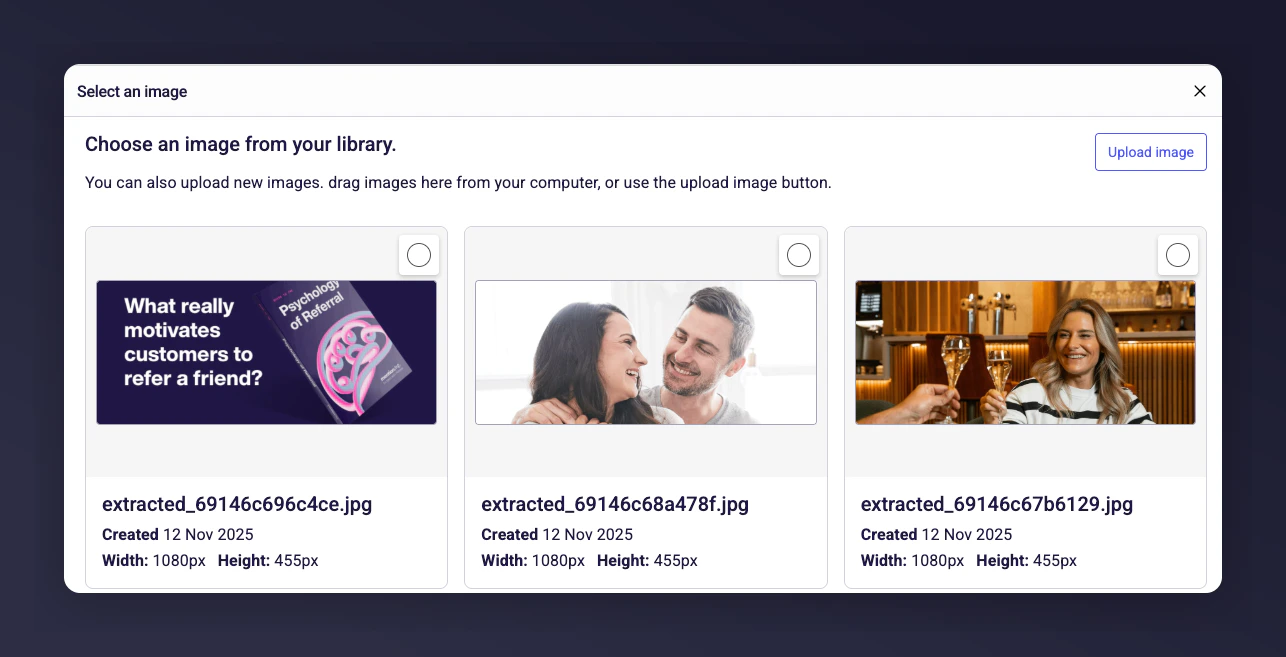
Add an image to the right-hand side of the login form. This lets you include a branded or relevant picture for your influencers.
## Upload an image
Add an image to the right-hand side of the login form. This lets you include a branded or relevant picture for your influencers.
 ## Edit the content
You can configure all text on the page, including:
* The main title
* The heading
* The page description
* Button text
If you prefer, leave the content as the default text provided.
## Edit the content
You can configure all text on the page, including:
* The main title
* The heading
* The page description
* Button text
If you prefer, leave the content as the default text provided.
 ## Setting up the confirmation page
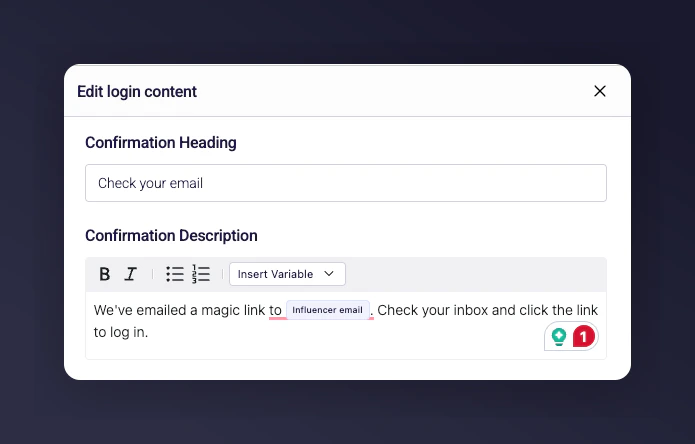
The confirmation page includes default copy with a link that sends an email to the influencer. This email contains the magic link required for them to log into the platform.
## Setting up the confirmation page
The confirmation page includes default copy with a link that sends an email to the influencer. This email contains the magic link required for them to log into the platform.