> ## Documentation Index
> Fetch the complete documentation index at: https://docs.mention-me.com/llms.txt
> Use this file to discover all available pages before exploring further.
# Promote Referral from Braze
> Add a personalised referral CTA link to your Braze emails that sends customers directly to a pre-filled referral landing page.
With the Mention Me and Braze integration, you can insert a CTA link in your emails that takes customers to a personalised referral landing page. This promotes sharing and ensures the referral offer is seen and acted on.
The personalised link pre-fills the referral page using Braze profile attributes, allowing customers to skip registration and share effortlessly.
## Prerequisites
Your referral landing page must already be implemented and include the Mention Me tag.
## Email types to consider
* Dedicated referral solus emails -- recommended every 2-3 months
* Inclusion within newsletters or promotional emails
* Persistent CTA (e.g. link or icon) in header/footer of all emails
* Dedicated step in your customer journey (e.g. post-purchase, welcome series)
## How it works
1. You launch a referral promotion or campaign, including a CTA button/link
2. The recipient clicks the CTA and lands on the referral page
3. The referral page is automatically populated using Braze-provided customer details
4. They're registered and can share the offer right away
5. They share the offer with their friend through their preferred method
## How to add the personalised landing page link
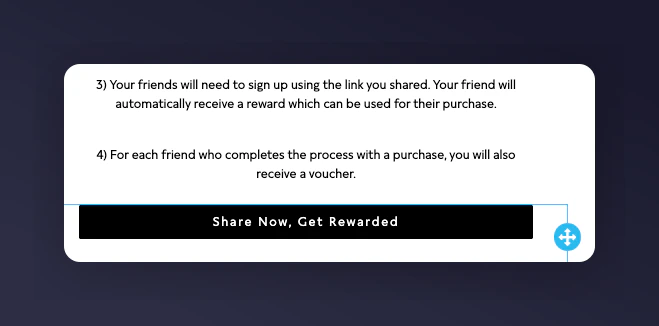
1. In your campaign composer, insert a CTA link or button.
 2. In the URL field of your button/link, input the base URL of your referral landing page followed by `?`
Example: `https://www.yourwebsite.com/refer-a-friend?`
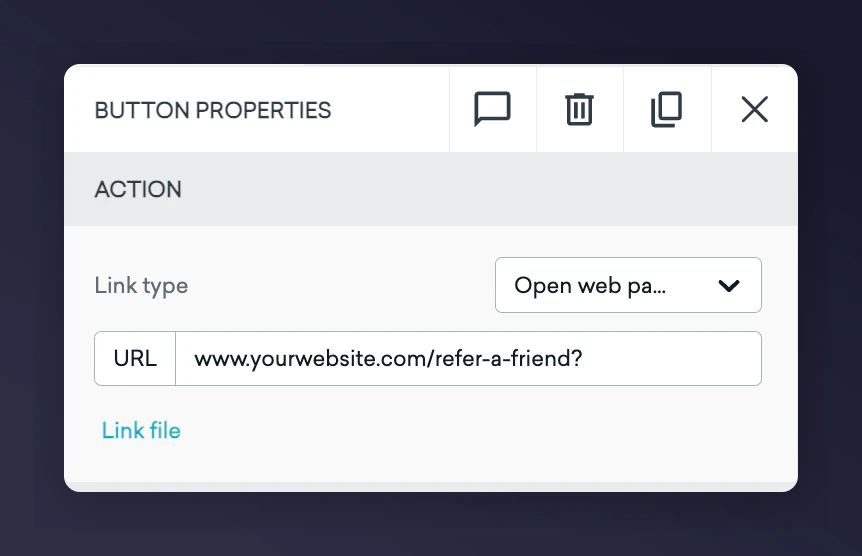
2. In the URL field of your button/link, input the base URL of your referral landing page followed by `?`
Example: `https://www.yourwebsite.com/refer-a-friend?`
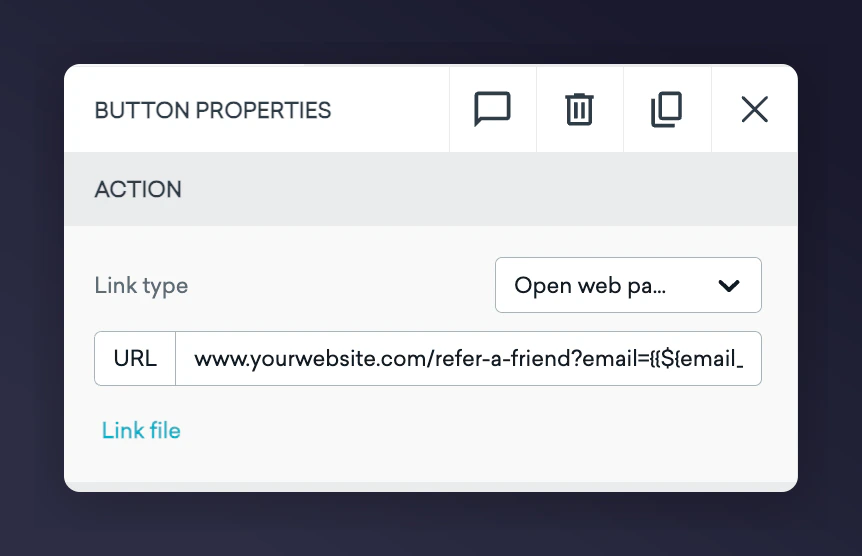
 3. Append the following personalisation parameters after the `?`, separated by `&`.
| Parameter | Value / Braze Variable | Notes |
| --------- | ------------------------------------ | ------------------------------------------------------------------------------------------------------------------------------- |
| firstname | `{{${first_name} \| url_encode}}` | Use your Braze variable for the contact's first name |
| surname | `{{${last_name} \| url_encode}}` | Use your Braze variable for the contact's last name |
| email | `{{${email_address} \| url_encode}}` | Use the customer's email address in Braze |
| situation | `Braze-newsletter-jan23` | Indicates the campaign context. Format suggestion: `channel-type-timestamp`. This enables filtering and tracking in Mention Me. |
| segment | `loyalty` | Use if targeting specific customer groups or locales to ensure the right offer appears. |
| locale | `en_GB` | |
### Example final URL
```
https://www.yourwebsite.com/refer-a-friend?email={{${email_address} | url_encode}}&surname={{${last_name} | url_encode}}&firstname={{${first_name} | url_encode}}&situation=Braze-newsletter-jan23&locale=en_GB&segment=loyalty
```
3. Append the following personalisation parameters after the `?`, separated by `&`.
| Parameter | Value / Braze Variable | Notes |
| --------- | ------------------------------------ | ------------------------------------------------------------------------------------------------------------------------------- |
| firstname | `{{${first_name} \| url_encode}}` | Use your Braze variable for the contact's first name |
| surname | `{{${last_name} \| url_encode}}` | Use your Braze variable for the contact's last name |
| email | `{{${email_address} \| url_encode}}` | Use the customer's email address in Braze |
| situation | `Braze-newsletter-jan23` | Indicates the campaign context. Format suggestion: `channel-type-timestamp`. This enables filtering and tracking in Mention Me. |
| segment | `loyalty` | Use if targeting specific customer groups or locales to ensure the right offer appears. |
| locale | `en_GB` | |
### Example final URL
```
https://www.yourwebsite.com/refer-a-friend?email={{${email_address} | url_encode}}&surname={{${last_name} | url_encode}}&firstname={{${first_name} | url_encode}}&situation=Braze-newsletter-jan23&locale=en_GB&segment=loyalty
```