> ## Documentation Index
> Fetch the complete documentation index at: https://docs.mention-me.com/llms.txt
> Use this file to discover all available pages before exploring further.
# Finding Your Partner Code
> How to locate your unique Partner Code in the Mention Me platform for integrations, support requests, and technical setup.
Your Partner Code is a unique identifier for your Mention Me account. You need it for technical integrations, support requests, and troubleshooting.
## Option 1: Account Info Panel
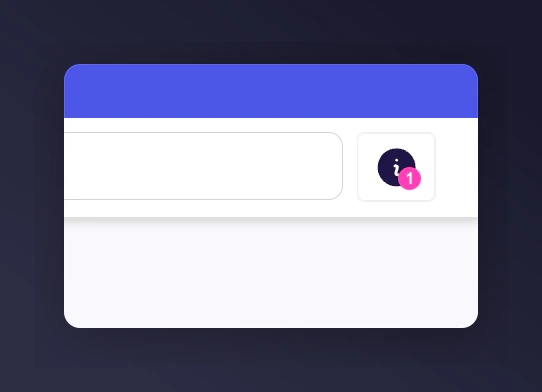
Click the **"i" (info) icon** in the top-right corner of the platform, next to the search bar.
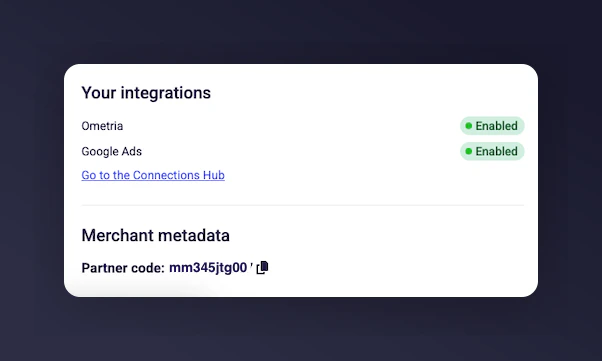
 A slide-out panel opens. Scroll down to the **Merchant metadata** section — your Partner Code is displayed here.
 ## Option 2: Integration Instructions
Navigate to **Settings & Tools** in the left-hand menu.
Scroll to **Basics** then **Referrer Integration** and click **Integration instructions**.
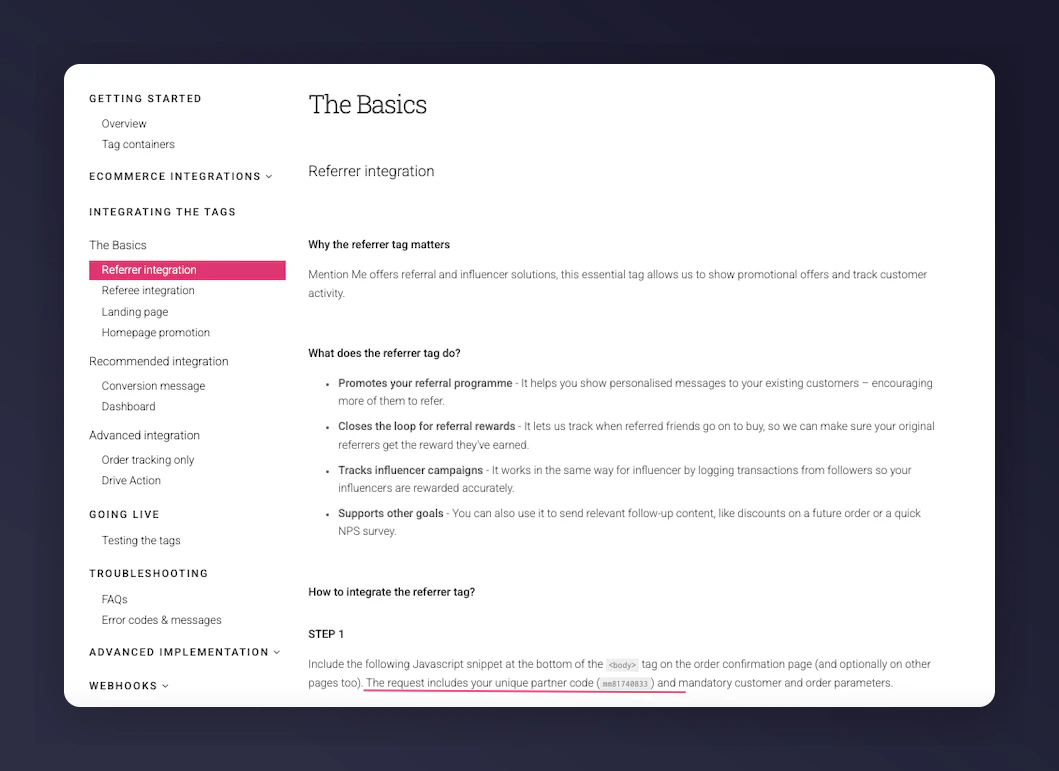
Your Partner Code appears under **Step 1** in the integration overview.
## Option 2: Integration Instructions
Navigate to **Settings & Tools** in the left-hand menu.
Scroll to **Basics** then **Referrer Integration** and click **Integration instructions**.
Your Partner Code appears under **Step 1** in the integration overview.