> ## Documentation Index
> Fetch the complete documentation index at: https://docs.mention-me.com/llms.txt
> Use this file to discover all available pages before exploring further.
# Tile types
> Metric, chart, table, markdown. Which tile for which job.
Pick the tile that matches the answer you want to give:
* **Big number** → Metric
* **Trend or comparison** → Chart
* **Exact rows** → Table
* **Commentary** → Markdown
| Tile | Best for | Key options | Exportable |
| -------- | ------------------------------------ | ----------------------------------------------------------------- | ---------- |
| Metric | A single headline number | One metric, optional compare | Copy value |
| Chart | How something changes or compares | Up to 6 metrics, chart type, optional breakdown, optional compare | CSV |
| Table | Exact numbers across rows | Up to 6 metrics, optional breakdown, optional compare | CSV |
| Markdown | Commentary, context, section headers | Free text | No |
## Metric
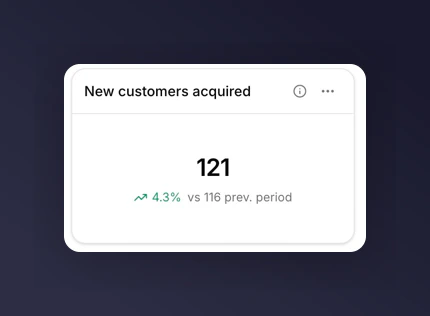
A single number, large and legible. Use when the answer is one figure: "how many new customers this week" or "what's our share rate."
Supports an optional [comparison](/knowledge-v2/referral/reporting/building-dashboards/comparisons), which renders a delta badge ("+12.3%") next to the value.
 ## Chart
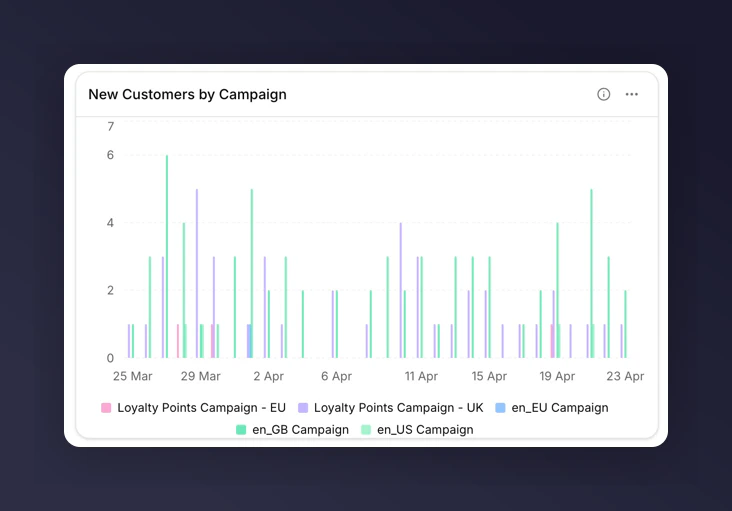
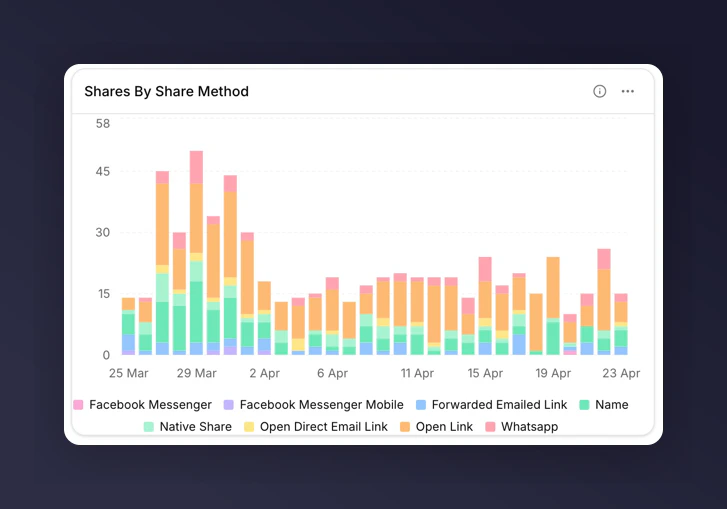
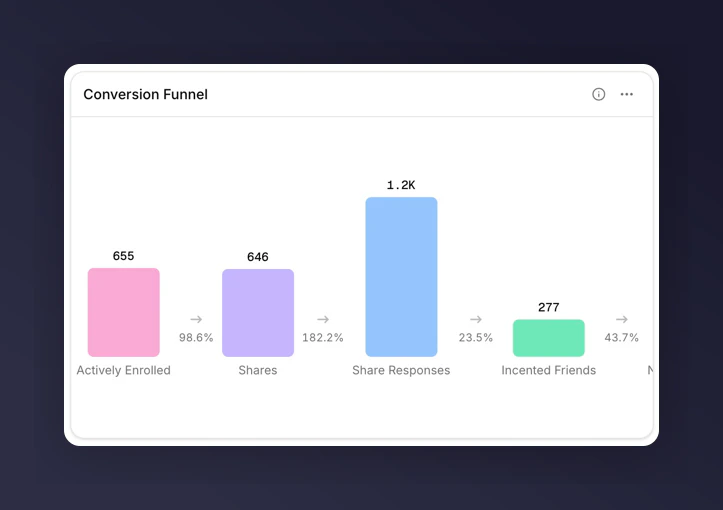
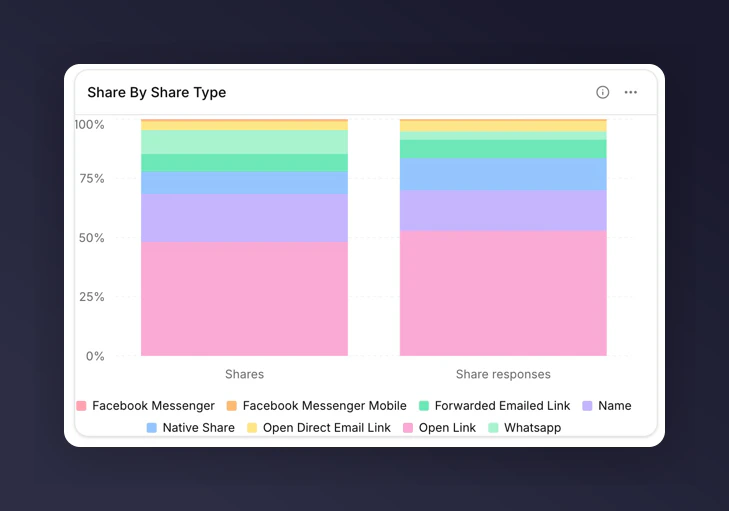
Up to six metrics plotted across time or split by a breakdown. Pick the chart subtype that fits the question. See [choosing a chart](/knowledge-v2/referral/reporting/building-dashboards/choosing-a-chart) for the full decision guide.
The five chart subtypes are line, bar, stacked bar, funnel, and share. Each has its own constraints around breakdowns and comparisons. See [chart types](/knowledge-v2/referral/reporting/reference/chart-types).
## Chart
Up to six metrics plotted across time or split by a breakdown. Pick the chart subtype that fits the question. See [choosing a chart](/knowledge-v2/referral/reporting/building-dashboards/choosing-a-chart) for the full decision guide.
The five chart subtypes are line, bar, stacked bar, funnel, and share. Each has its own constraints around breakdowns and comparisons. See [chart types](/knowledge-v2/referral/reporting/reference/chart-types).
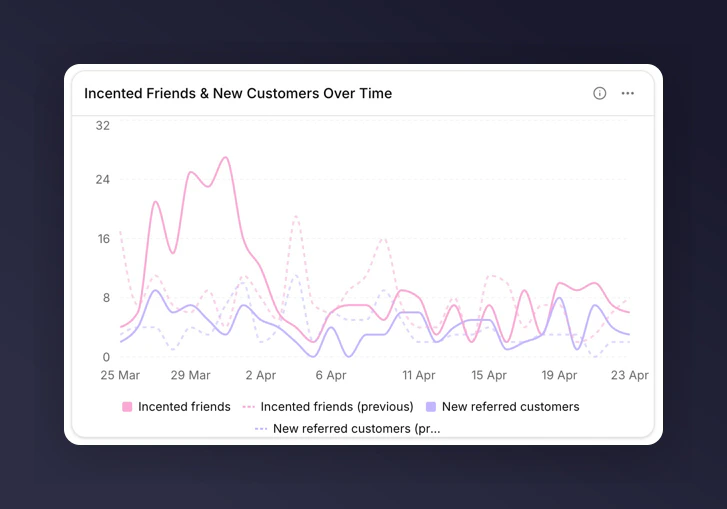 Metrics on a single chart must share the same unit (count, currency, percentage, or rate). Mixing units is blocked because it produces misleading axes.
 ## Table
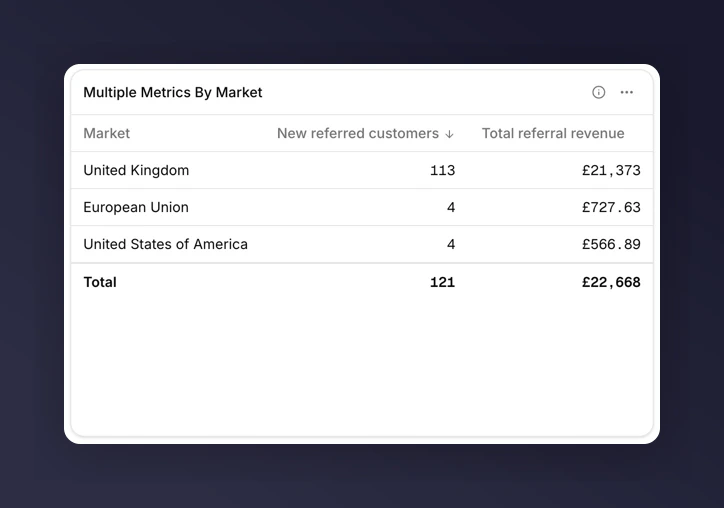
Rows of exact values across up to six metrics. Add a [breakdown](/knowledge-v2/referral/reporting/building-dashboards/breakdowns) to make each row a value of that breakdown (e.g. one row per Campaign).
Use tables when stakeholders want the raw numbers, or when you need to export to a spreadsheet.
## Table
Rows of exact values across up to six metrics. Add a [breakdown](/knowledge-v2/referral/reporting/building-dashboards/breakdowns) to make each row a value of that breakdown (e.g. one row per Campaign).
Use tables when stakeholders want the raw numbers, or when you need to export to a spreadsheet.
 ## Markdown
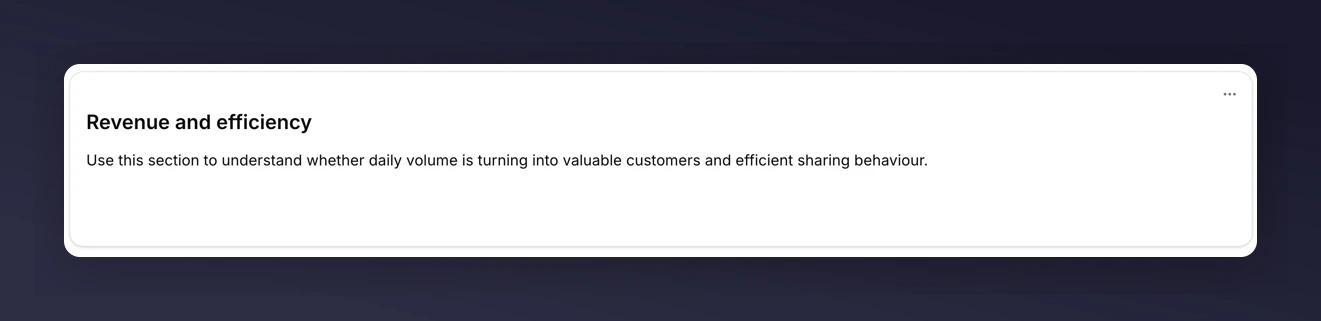
Free text rendered on the grid. Use markdown tiles for section headers, commentary, context, or links to related dashboards.
Markdown tiles are the one tile type with no data behind them, so they cannot be exported. They also ignore filters and time periods.
## Markdown
Free text rendered on the grid. Use markdown tiles for section headers, commentary, context, or links to related dashboards.
Markdown tiles are the one tile type with no data behind them, so they cannot be exported. They also ignore filters and time periods.
 ## Next
* [Choosing a chart](/knowledge-v2/referral/reporting/building-dashboards/choosing-a-chart)
* [Breakdowns](/knowledge-v2/referral/reporting/building-dashboards/breakdowns)
* [Export data](/knowledge-v2/referral/reporting/common-tasks/export-data)
## Next
* [Choosing a chart](/knowledge-v2/referral/reporting/building-dashboards/choosing-a-chart)
* [Breakdowns](/knowledge-v2/referral/reporting/building-dashboards/breakdowns)
* [Export data](/knowledge-v2/referral/reporting/common-tasks/export-data)