> ## Documentation Index
> Fetch the complete documentation index at: https://docs.mention-me.com/llms.txt
> Use this file to discover all available pages before exploring further.
# How to Create a Campaign
> Create a new referral campaign and open its first version in the editor.
A campaign runs your referral programme in one locale. Creating one gives you a first draft version to build on.
On the [campaigns list](/knowledge-v2/referral/campaigns/browse/the-campaigns-list), click **Create campaign**.
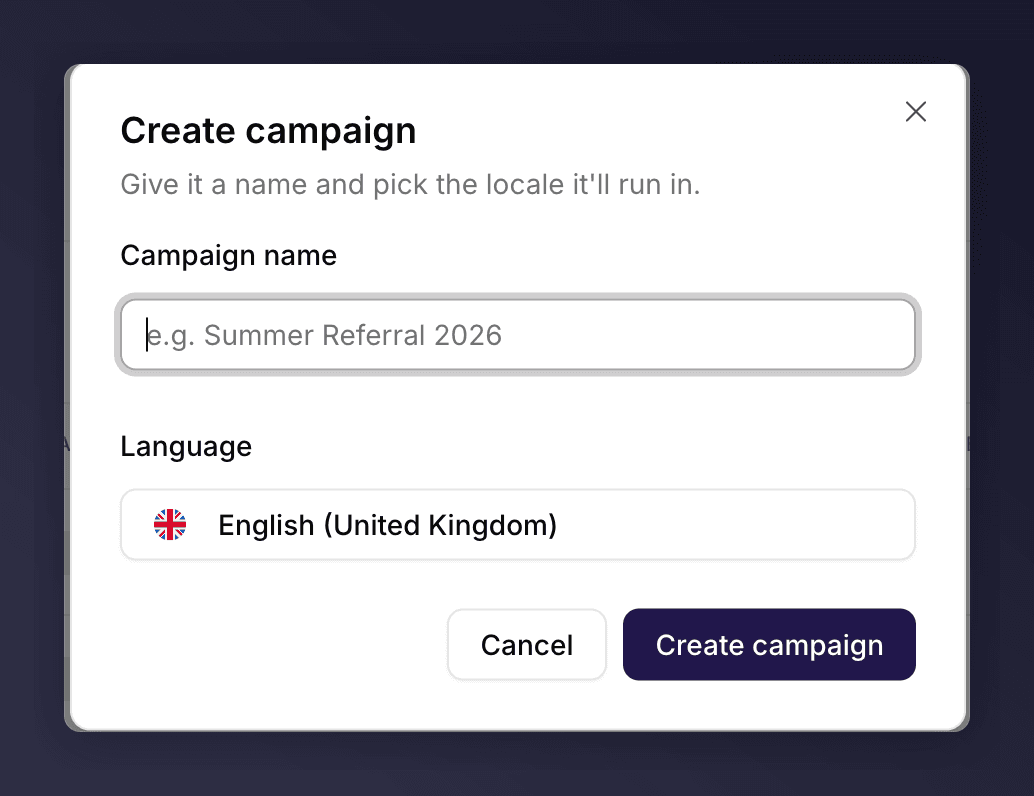 Enter a **Campaign name** and choose the **Language** (locale) it will run in. The locale sets the language and region for the campaign.
Click **Create campaign**. Mention Me creates the campaign with a first draft version and opens it in the editor, ready to build.
## Next Steps
Set up a version.
New to the model? Learn how campaigns, versions and promotions relate.
Enter a **Campaign name** and choose the **Language** (locale) it will run in. The locale sets the language and region for the campaign.
Click **Create campaign**. Mention Me creates the campaign with a first draft version and opens it in the editor, ready to build.
## Next Steps
Set up a version.
New to the model? Learn how campaigns, versions and promotions relate.