> ## Documentation Index
> Fetch the complete documentation index at: https://docs.mention-me.com/llms.txt
> Use this file to discover all available pages before exploring further.
# How to Set Your Referral Domain
> Choose the subdomain customers use to reach your referral pages.
export const AdminOnly = () =>
This page is visible to organisation admins only. If you
see You do not have permission to view this page, ask an
admin to make the change, or to invite you with the Admin role.
;
Open **Settings > Domain** to choose the subdomain customers use to reach your referral pages, for example `your-brand.mention-me.com`.
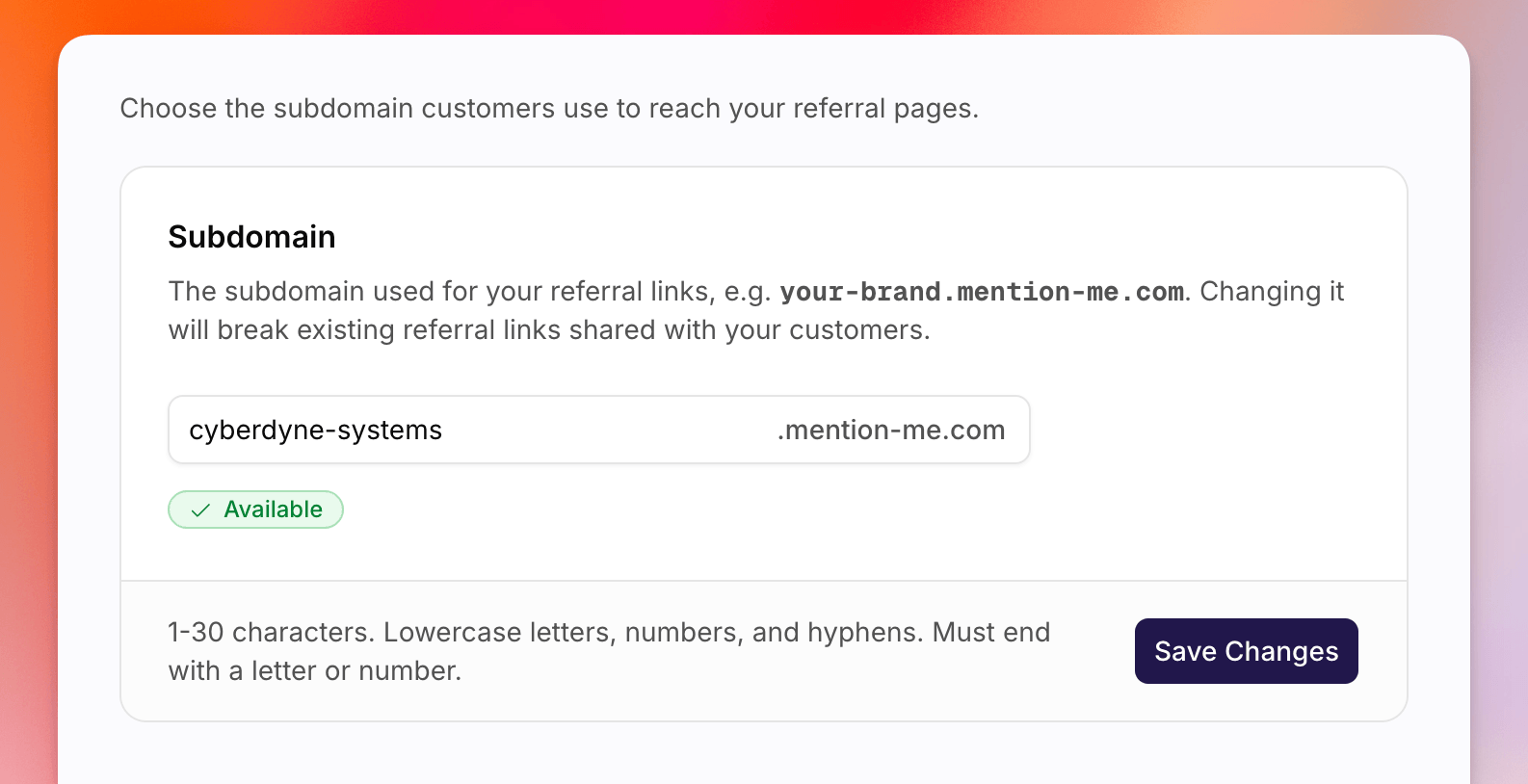 Changing the subdomain breaks existing referral links already shared with
customers. Only change it if you are sure you need to.
The value must be 1-30 characters: lowercase letters, numbers, and hyphens, ending with a letter or number. Status badges include **Not set**, **Checking availability...**, **Available**, **Unavailable**, and **Saved**.
Go to **Settings > Domain**.
Type the subdomain in the field. The suffix `.mention-me.com` is added for
you.
Click **Save Changes**. Confirm in the dialog by typing the current
subdomain, then click **Set subdomain** or **Change subdomain**.
This is the customer-facing referral host. It is separate from the workspace slug on **Settings > General**, which only affects `app.mention-me.com/...` URLs.
## See Also
Change the workspace slug used in the app URL.
Set where replies to referral emails are delivered.
Changing the subdomain breaks existing referral links already shared with
customers. Only change it if you are sure you need to.
The value must be 1-30 characters: lowercase letters, numbers, and hyphens, ending with a letter or number. Status badges include **Not set**, **Checking availability...**, **Available**, **Unavailable**, and **Saved**.
Go to **Settings > Domain**.
Type the subdomain in the field. The suffix `.mention-me.com` is added for
you.
Click **Save Changes**. Confirm in the dialog by typing the current
subdomain, then click **Set subdomain** or **Change subdomain**.
This is the customer-facing referral host. It is separate from the workspace slug on **Settings > General**, which only affects `app.mention-me.com/...` URLs.
## See Also
Change the workspace slug used in the app URL.
Set where replies to referral emails are delivered.