> ## Documentation Index
> Fetch the complete documentation index at: https://docs.mention-me.com/llms.txt
> Use this file to discover all available pages before exploring further.
# How to Manage Notification Preferences
> Choose which email and in-app notifications you receive. These settings follow you across workspaces.
**Early access.** Notification preferences are rolling out gradually. If you
do not see **Account settings > Notifications**, it is not enabled for your
account yet.
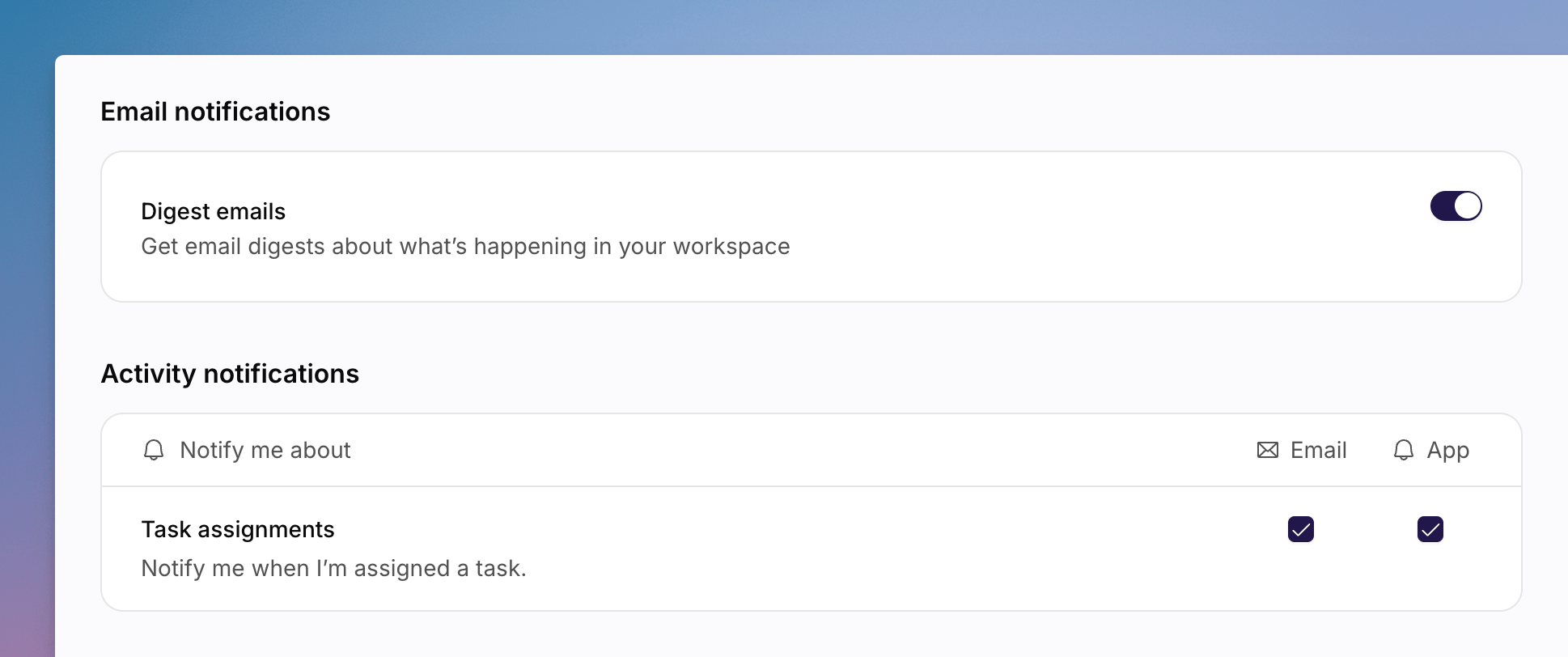
Open **Account settings > Notifications** from your avatar to choose email and in-app notifications. These settings follow you across workspaces. They are not organisation-wide alert rules.
 If preferences cannot be loaded, you will see **Notification preferences are unavailable for this account.**
## Email Notifications
Turn on **Digest emails** to get email digests about what is happening in your workspace.
## Activity Notifications
The **Activity notifications** table has columns **Notify me about**, **Email**, and **App**.
For **Task assignments**, tick Email and/or App to be notified when you are assigned a task.
## See Also
Display name and time zone, which also follow you across workspaces.
Password, passkeys, and two-factor authentication.
If preferences cannot be loaded, you will see **Notification preferences are unavailable for this account.**
## Email Notifications
Turn on **Digest emails** to get email digests about what is happening in your workspace.
## Activity Notifications
The **Activity notifications** table has columns **Notify me about**, **Email**, and **App**.
For **Task assignments**, tick Email and/or App to be notified when you are assigned a task.
## See Also
Display name and time zone, which also follow you across workspaces.
Password, passkeys, and two-factor authentication.