> ## Documentation Index
> Fetch the complete documentation index at: https://docs.mention-me.com/llms.txt
> Use this file to discover all available pages before exploring further.
# How to Update Your Account
> Set your display name, language, and time zone. These settings follow you across workspaces.
Open **Account settings > General** from your avatar, not from the organisation **Settings** sidebar. Account settings follow you across every workspace you belong to.
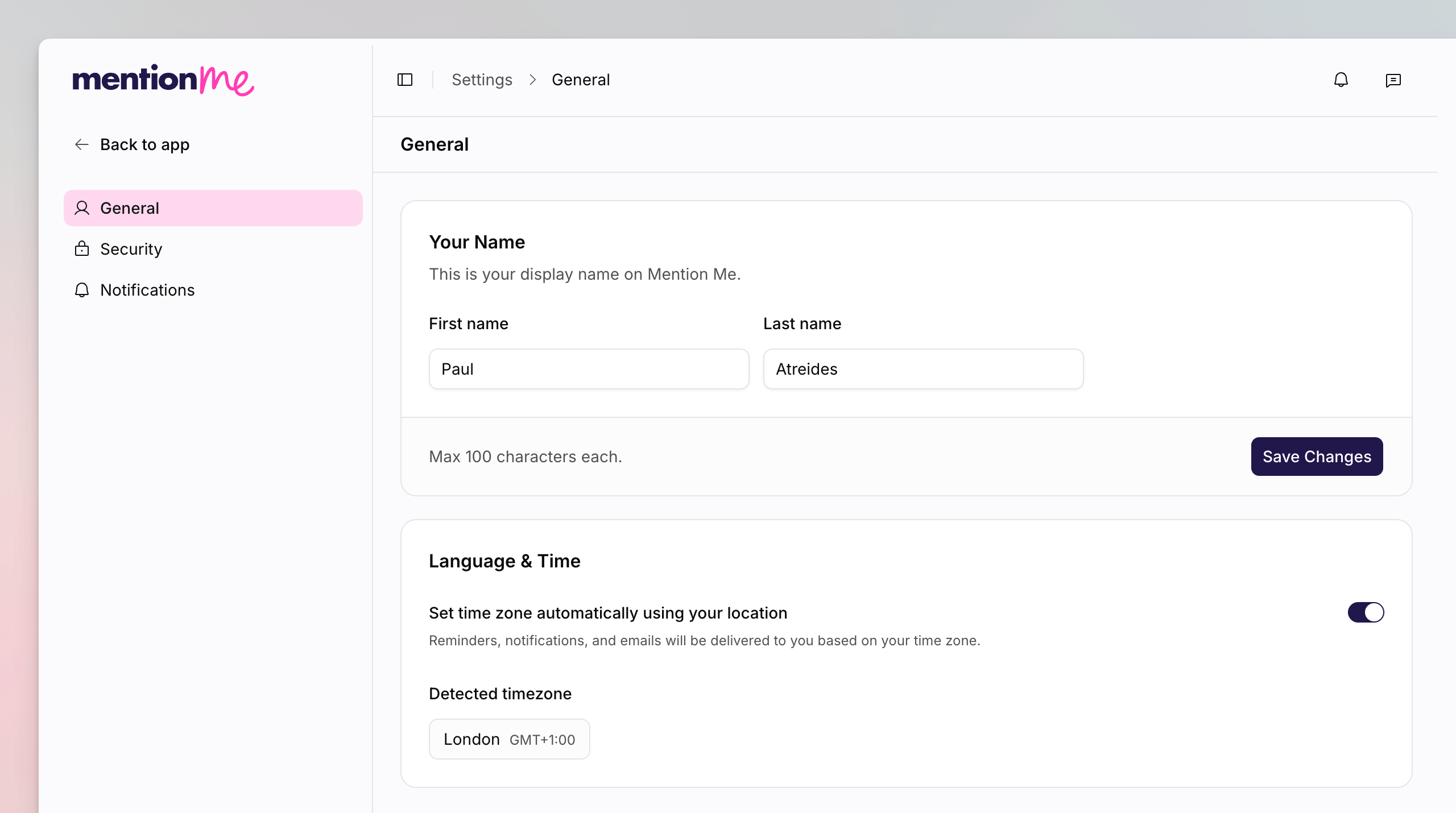 ## Change Your Name
Click your avatar, then **Account settings**. You land on **General**.
In **Your Name**, enter your first and last name. This is your display name
on Mention Me. Maximum 100 characters each.
Click **Save Changes**.
## Set Language and Time
On **Language & Time**, leave **Set time zone automatically using your
location** on to use **Detected timezone**. Turn it off to pick a
**Timezone** yourself.
Reminders, notifications, and emails are delivered based on your time zone.
Organisation name, slug, and homepage are not here. Those live on [organisation General](/knowledge-app/settings/organisation/general).
## See Also
Password, passkeys, and two-factor authentication.
Workspace name and slug, which apply to one organisation.
## Change Your Name
Click your avatar, then **Account settings**. You land on **General**.
In **Your Name**, enter your first and last name. This is your display name
on Mention Me. Maximum 100 characters each.
Click **Save Changes**.
## Set Language and Time
On **Language & Time**, leave **Set time zone automatically using your
location** on to use **Detected timezone**. Turn it off to pick a
**Timezone** yourself.
Reminders, notifications, and emails are delivered based on your time zone.
Organisation name, slug, and homepage are not here. Those live on [organisation General](/knowledge-app/settings/organisation/general).
## See Also
Password, passkeys, and two-factor authentication.
Workspace name and slug, which apply to one organisation.